AI sales training
Sales Call Simulator: How to Turn a Practice Call Into Progress
The short answer: A sales call simulator creates a repeatable conversation where a rep can practice responding in real time. The best results come from choosing one call stage, defining a buyer and objective, completing the call without constant restarts, reviewing an observable behavior, and immediately replaying the difficult moment.
Simulation is useful because knowing a framework and using it under pressure are different abilities. A realistic exchange adds timing, uncertainty, silence, interruption, and the need to choose a response before you have perfect information.
Pair this guide with AI Sales Roleplay Software: A Practical Buyer Checklist, then use the practice plan below to rehearse.
Set a scenario with enough context
Define the buyer's role, current situation, possible concern, call stage, and reasonable outcome. Give the rep only information they would realistically know. Hidden context gives the simulated buyer something to reveal when the rep asks a relevant question.
Avoid writing a scenario that has one magic phrase. Several outcomes can be credible, including another meeting, a smaller next step, a referral, a pause, or a respectful exit when fit is weak.
Choose one behavior to observe
A whole call contains too many variables for one score to explain. Focus on a behavior such as opening relevance, follow-up quality, talk length, objection diagnosis, summary accuracy, or next-step clarity.
Write the standard in plain language before the practice. For example, the rep asks one question based on the buyer's previous answer before changing topics. That is easier to review than a vague goal to improve discovery.
Replay while the moment is still fresh
Complete the first attempt so you experience the consequences of earlier choices. Then find the pivotal exchange, choose one change, and restart close to that moment. Compare the buyer response and the clarity of your own language.
Transfer the lesson by using the same behavior with a different buyer. If it only works in one memorized scenario, the rep has learned the script rather than the underlying conversation skill.
Practice plan
Run a simulator practice loop
Use one scenario for two purposeful attempts.
- Define the buyer, call stage, objective, and one scored behavior.
- Complete the first simulated call without coaching interruptions.
- Find one exchange that changed the direction of the call.
- Rewrite only your next response in simple language.
- Replay and compare the buyer's answer and your next step.
Frequently asked questions
What is a sales call simulator?
It is a practice environment that recreates a buyer conversation so a rep can respond aloud, experience realistic pressure, and review performance without risking a live opportunity.
Are AI sales call simulators useful?
They can provide accessible repetition and varied responses. Their value depends on scenario quality, feedback specificity, accurate product context, and thoughtful review.
How long should a simulated call be?
Practice can range from a focused three-minute exchange to a full call. Short drills work best for repetition, while full calls reveal transitions and consequences.
Turn the idea into a reflex
Read less. Rehearse more.
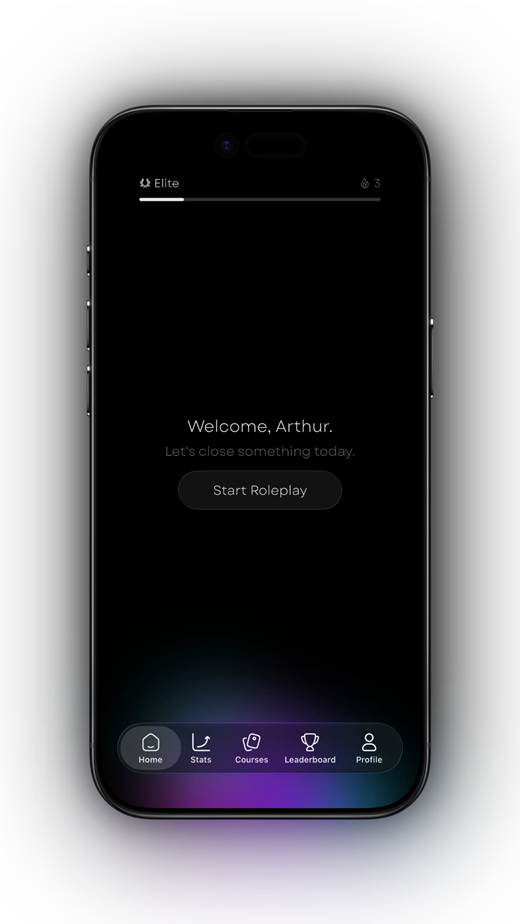
Put one idea from this guide into a spoken practice call. Salesy: AI Sales Roleplay brings lessons, AI voice prospects and post-call feedback to iPhone and iPad. Choose an available scenario and work on your next response.
Get Salesy on the App StoreFree to download. In-app purchases available.